The PHP flaw and why your website is also at risk

Last week, part of the internet went down.
And the culprit has just three letters: PHP.
Government agencies and federal courts took systems offline as a precaution. If you have a website, or plan to have one, this is about you too. I’ll quickly explain what happened, why it affects you even if you’re not a public agency, and give you six checks to close your site’s doors today.
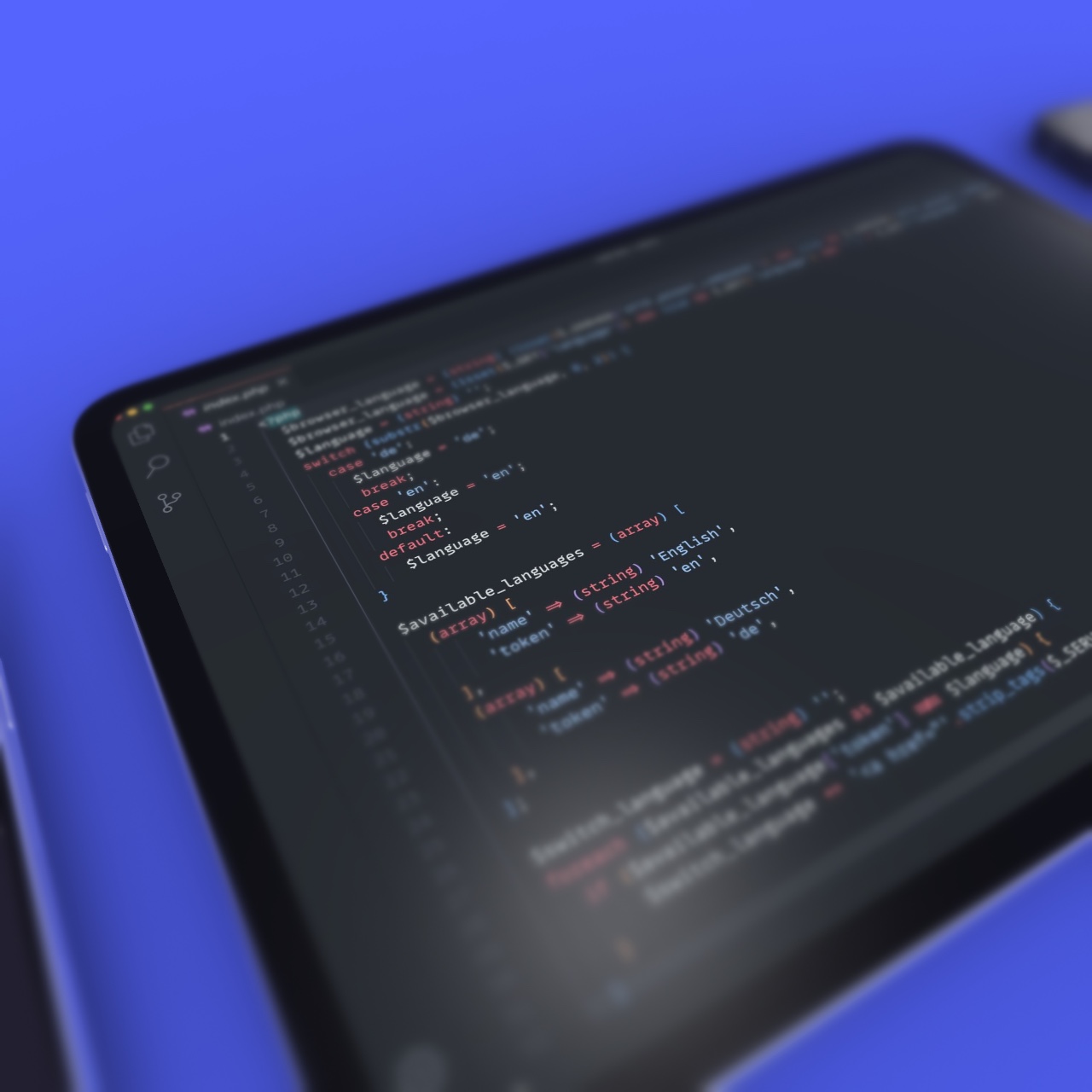
The internet flickered, and PHP was at the center.
On October 21, 2026, researchers found two critical PHP flaws, nicknamed php2shell. Serious enough that many people chose to shut the system down rather than risk it.
- Severity 9.2 out of 10, nearly the maximum.
- It ran commands on the server with no password at all.
- Agencies and federal courts suspended systems.
- Germany, France and the Netherlands also pulled services.
- The fix was released the same day it was found.
PHP 8.2.35
8.3.36
8.4.27
8.5.12
No jargon: PHP is the language that runs hidden on the server
and builds your page every time someone visits the site.
Think of PHP as the restaurant cook: with every order,
it prepares the dish on the spot. Half the internet works this way.
And if your site is WordPress, it’s PHP from head to toe.
The illustration at the top of the post explains it well.
What is
PHP,
anyway?
A door
that opened
without a key.
Normally, to touch a server you need a key: login, password, permission. This flaw was a broken lock: a stranger walked in and gave orders, with no key at all.
In security, this is the worst kind of flaw there is. Hence the nickname php2shell, and why serious organizations chose to pull everything offline right away.
CVE-2026-109618
CVE-2026-109619
Remote execution without login
The danger of vibe-coding
It’s never been easier to ask an AI to build a site and publish it. That’s amazing, I use it and recommend it myself. The thing is, AI hands you a site that works; keeping it secure is still on you. Updating, closing doors, making backups: almost always left out. Security belongs in the project from day one.
Okay, so what?
This is the part most people miss. The attack bot scans the whole internet for any open door, including yours, without picking targets.
6 ways
to shield
your site today.
And look, none of them require being a developer.
You, a coffee and about 20 minutes will do.
Check your PHP version
In WordPress: Tools › Site Health. Below the fixed versions? Ask for an update.
Update everything
WordPress, theme and plugins up to date. Attacks love old stuff.
Automatic backup
If things go wrong, you’re back in minutes, not weeks.
Serious hosting
Good hosting patches PHP for you, sometimes the same day.
Fewer plugins
Every abandoned plugin is one more door for them to test.
HTTPS and firewall
Trusted security plugins close many doors on their own.
Every site needs
maintenance
to stay online.
Your site is your shop, open 24 hours.
An open shop with no one watching the door is an invitation.
Better to find out today whether yours is locked
than on the day it goes down.
Our brand consultancy handles this too.
Keep reading
-

Integra/S: a platform that brings work together
Visual identity for Integra/S, the Sistema FAEP platform that brings Rural Union management in Paraná, Brazil, into one…
-
Agência 110: rebranding and visual identity that are far beyond a new look.
How we turned 16 years of history into a dark/neon brand system: positioning, symbol, website, rollout and launch.…
-

Animation for Plasvale’s Lar Novo Lar campaign
The animation created for Plasvale’s nationwide Lar Novo Lar promotional campaign: a dynamic, didactic video aired on broadcast…